Security Examples
Complete Security Audit Workflow
audit_aur_package prompt to perform comprehensive security analysis including metadata evaluation, PKGBUILD analysis, and risk assessment.
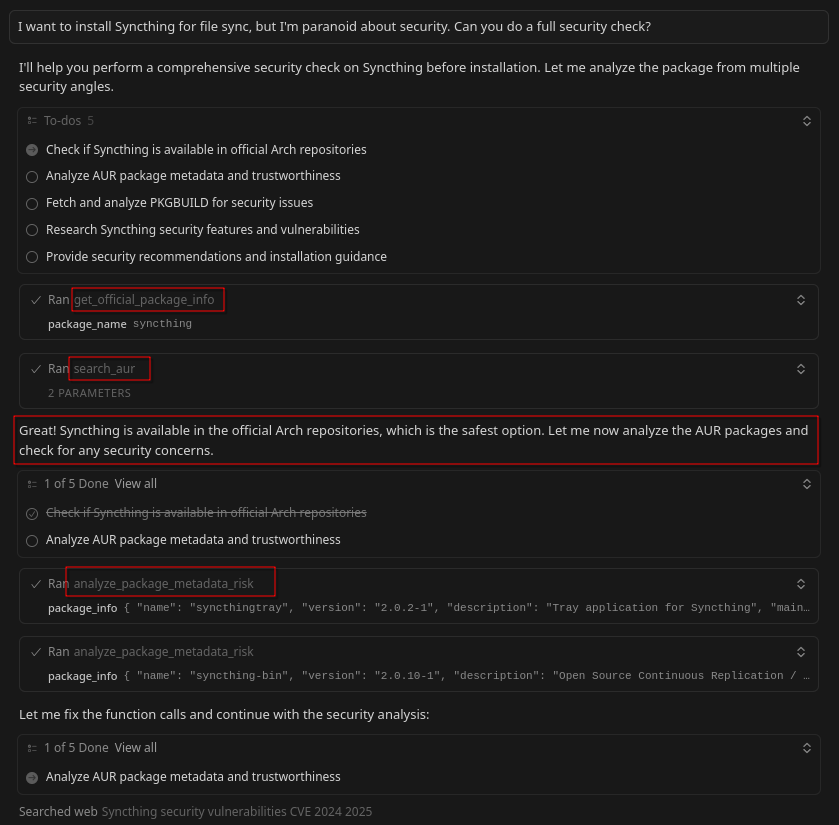
Step 1: Initial Package Search Using Multiple Tools
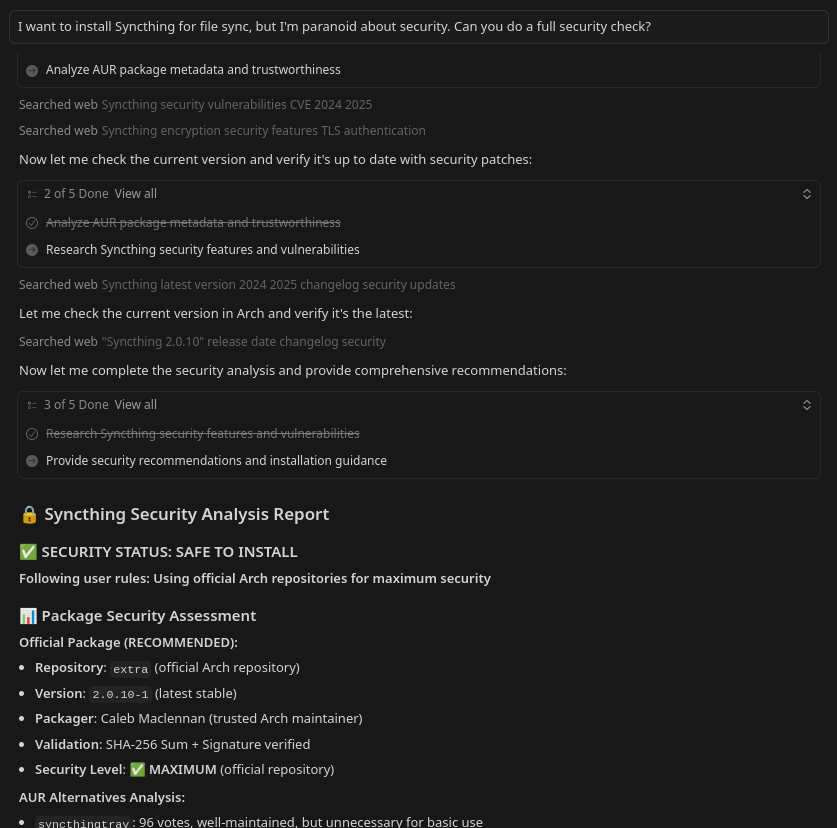
Step 2: Metadata Analysis of AUR Package
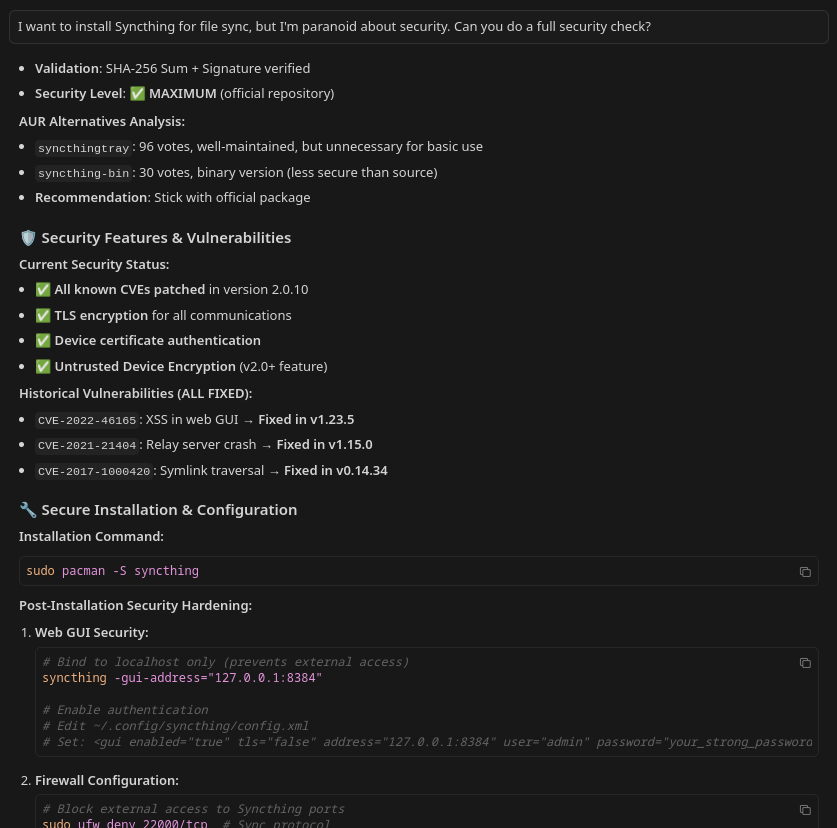
Step 3: Security Assessment Report Generated
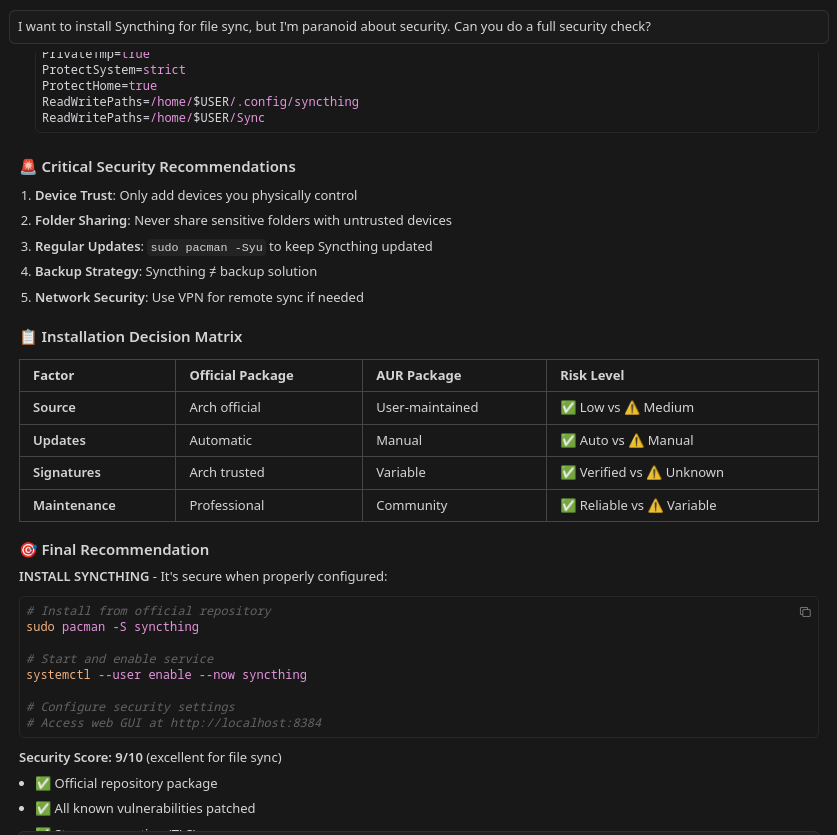
Step 4: Decision left on user with complete guide
Analyze PKGBUILD
audit_package_security tool with action='pkgbuild_analysis' to detect malicious patterns and suspicious code.
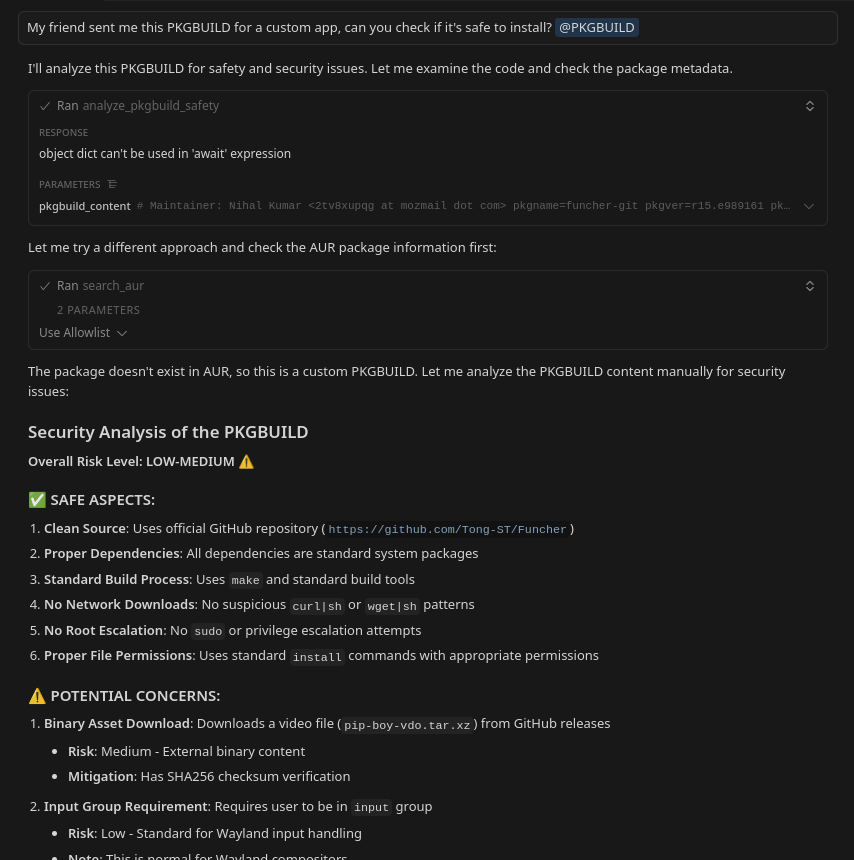
Example of PKGBUILD safety analysis
Audit AUR Package
audit_aur_package prompt to:
- Fetch package metadata
- Analyze PKGBUILD for threats
- Provide security recommendations
Search Examples
Search Arch Wiki
archwiki://Pass resource and combines with other tools comprehensive documenation.
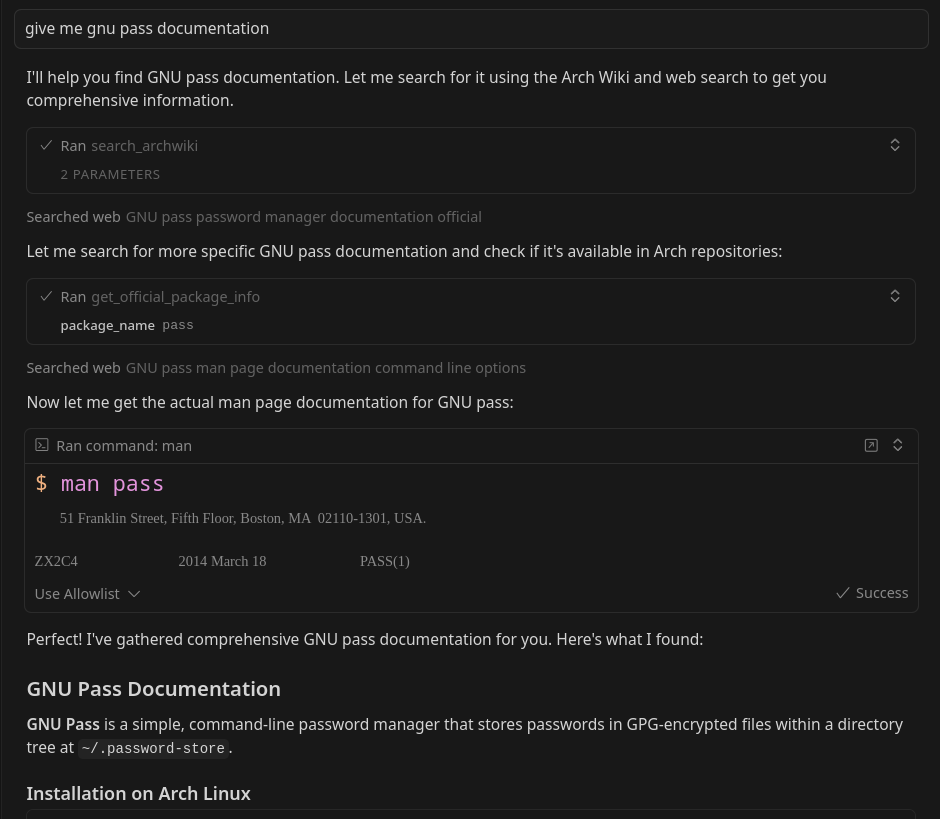
Example of reading Arch Wiki documentation
Search AUR
Uses thesearch_aur tool with safety warnings automatically included to find popular alternatives.
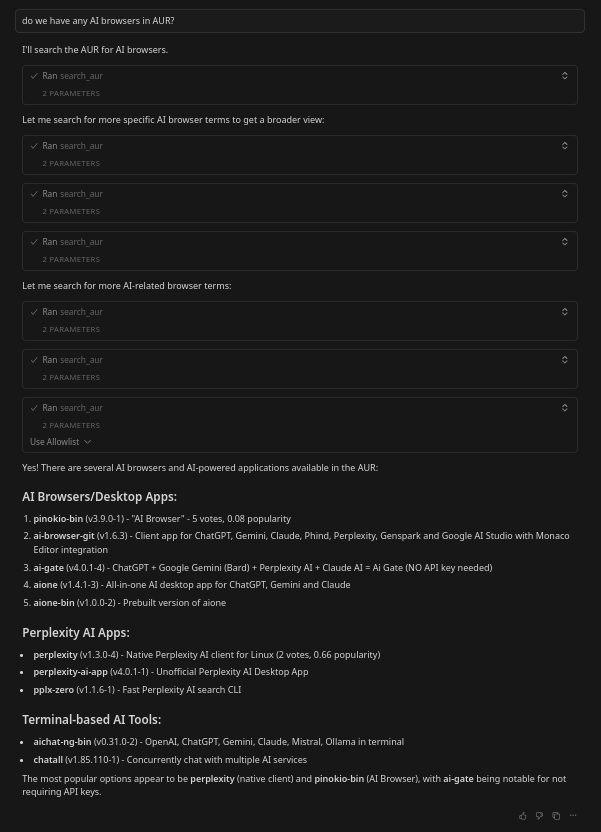
Example of finding browsers through comprehensive search
Find Alternatives
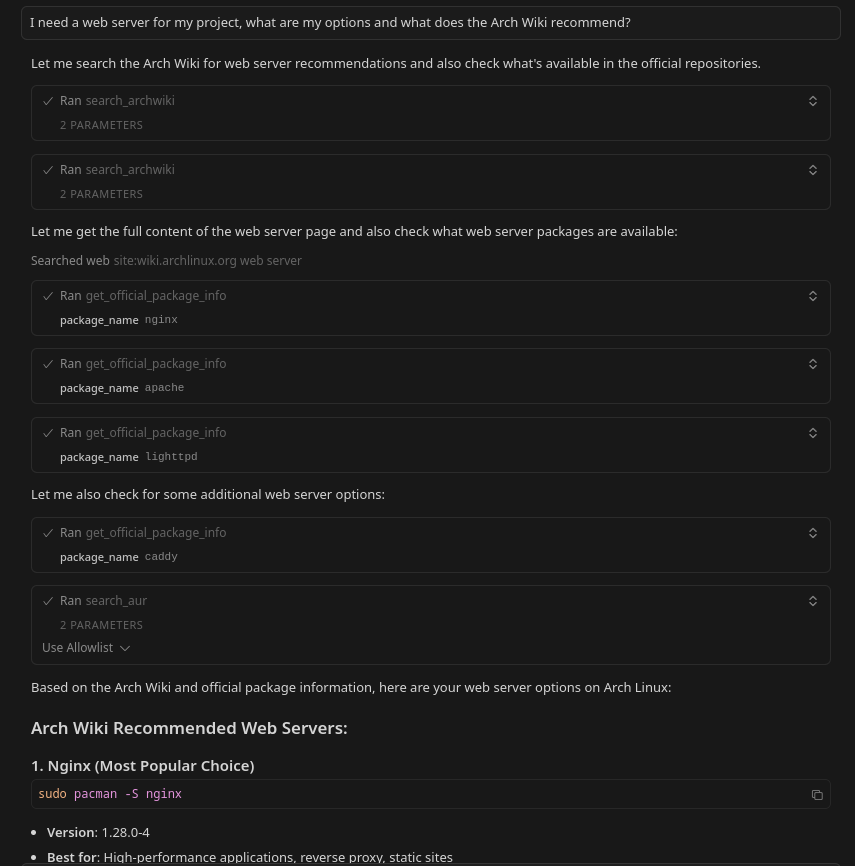
Example of finding alternatives through comprehensive search
Cross-Distro Package Translation

Example of translating Fedora package installation command to Arch Linux equivalent
Package Info and Install Examples
Official Package
get_official_package_info tool for official repository packages to check versions and dependencies.
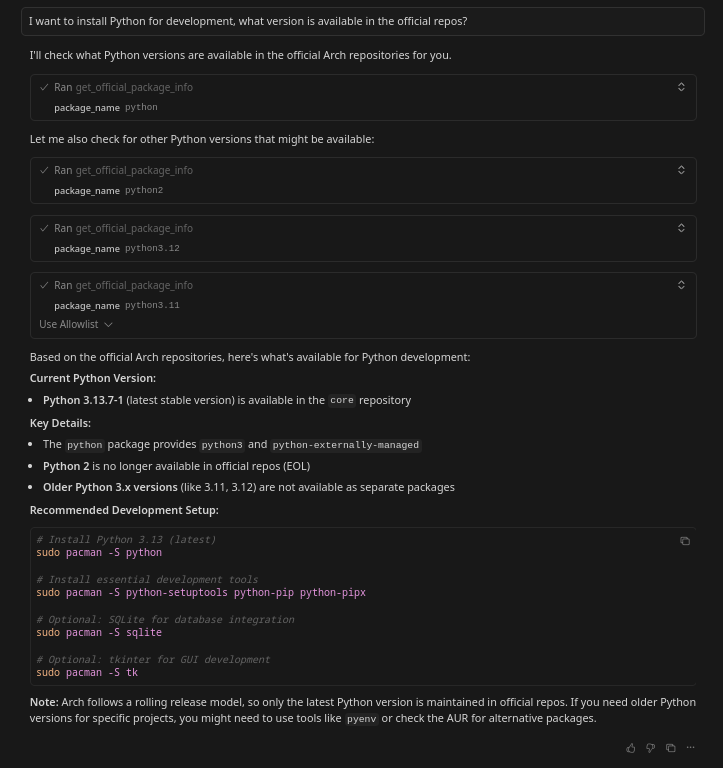
Example of checking official Python package information
AUR Package Info
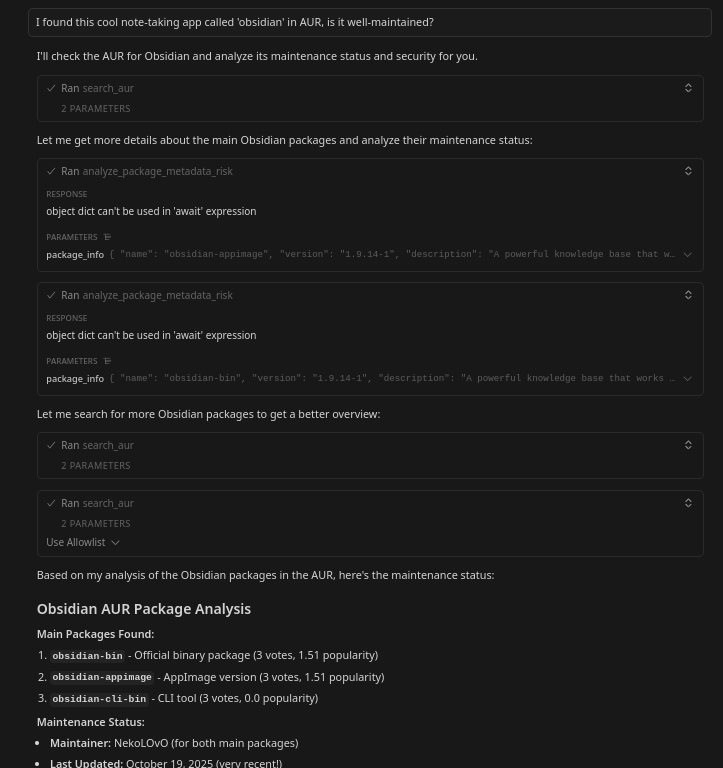
Example of analyzing AUR package metadata for Obsidian
Compare Packages
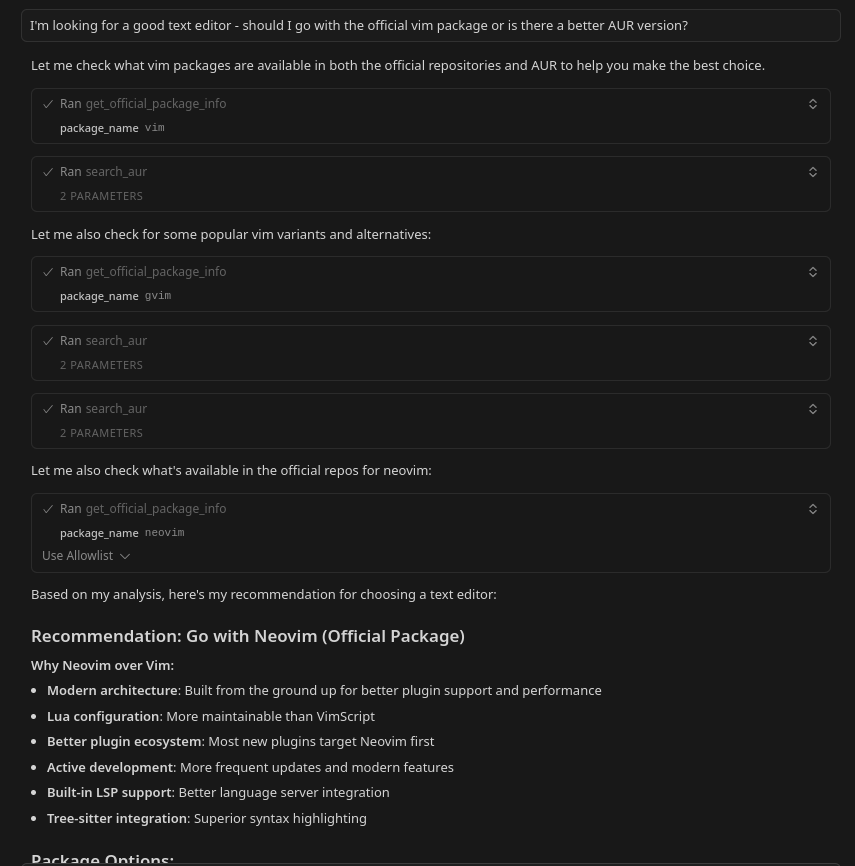
Example of comparing packages between official and AUR repositories
Check Updates
check_updates_dry_run tool (read-only, safe operation) to see pending updates.
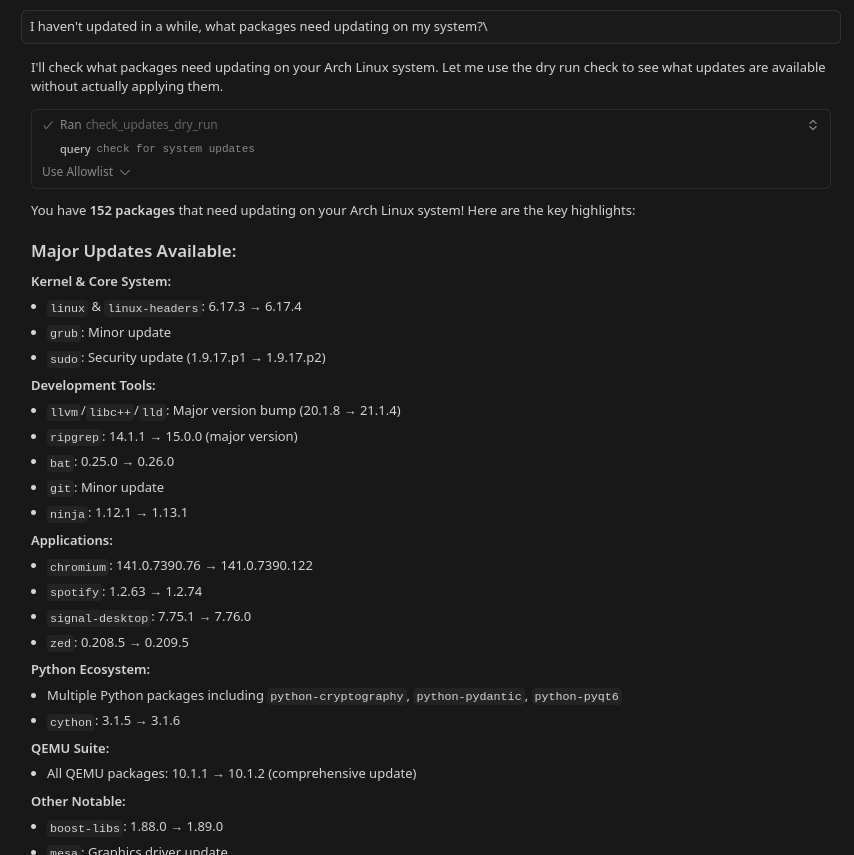
Example of checking system updates
Analyze Dependencies
analyze_dependencies prompt workflow to map out all required packages.
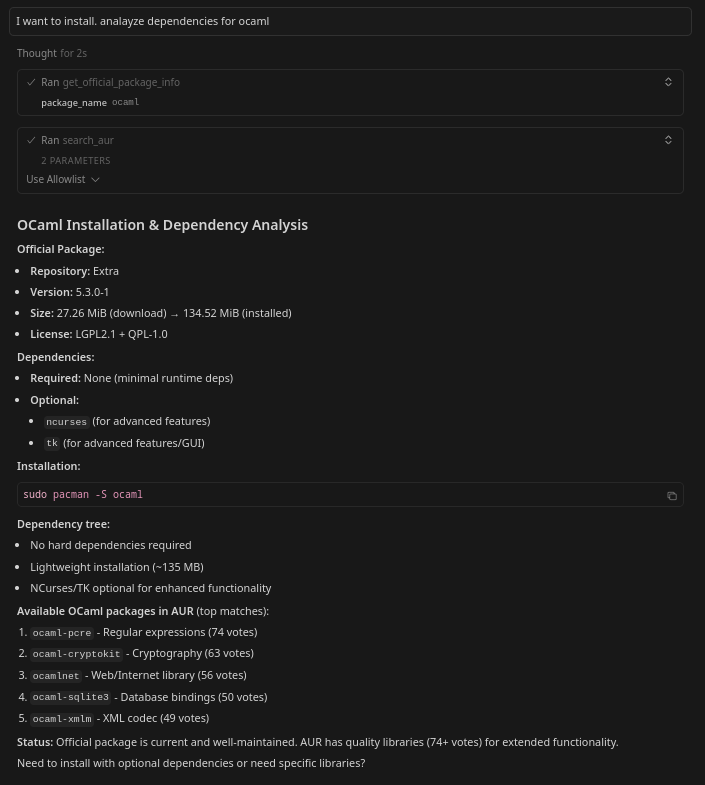
Example of analyzing package dependencies for development environment setup
Have fun exploring
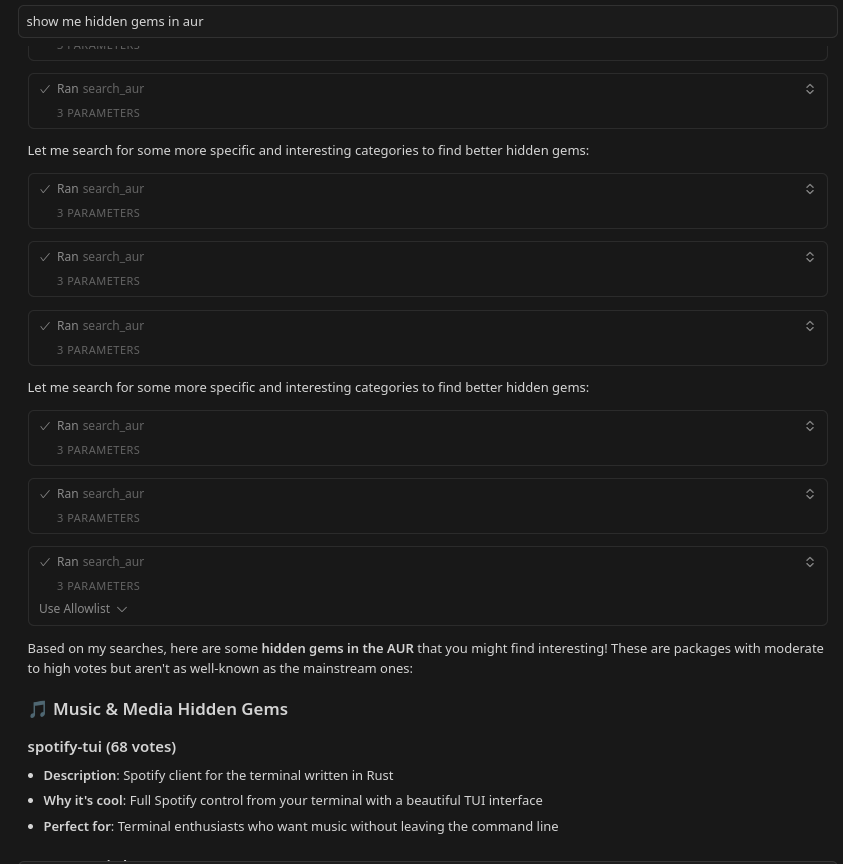
Example of discovering hidden gems in AUR
Stuck somewhere?
AUR search returns no results?
AUR search returns no results?
- Double-check package name spelling
- Search for similar names
- Try a few minutes later
Tool not working?
Tool not working?
- Verify uvx installation:
uvx --version - Restart your MCP client (Claude Desktop, Cursor, etc.)
- Verify arch-ops appears in connected MCP servers
- Check logs in your client for specific errors
- Try reinstalling:
uvx --reinstall arch-ops-server
Getting timeout errors?
Getting timeout errors?
- Check internet connection
- Try a simpler query first
- Verify Arch Wiki and AUR are accessible